Disney Desktops
Disneyland
Walt Disney World
Magic Kingdom | Epcot | Animal Kingdom | Studios | Restaurant | Resorts
Disney Cruise Line
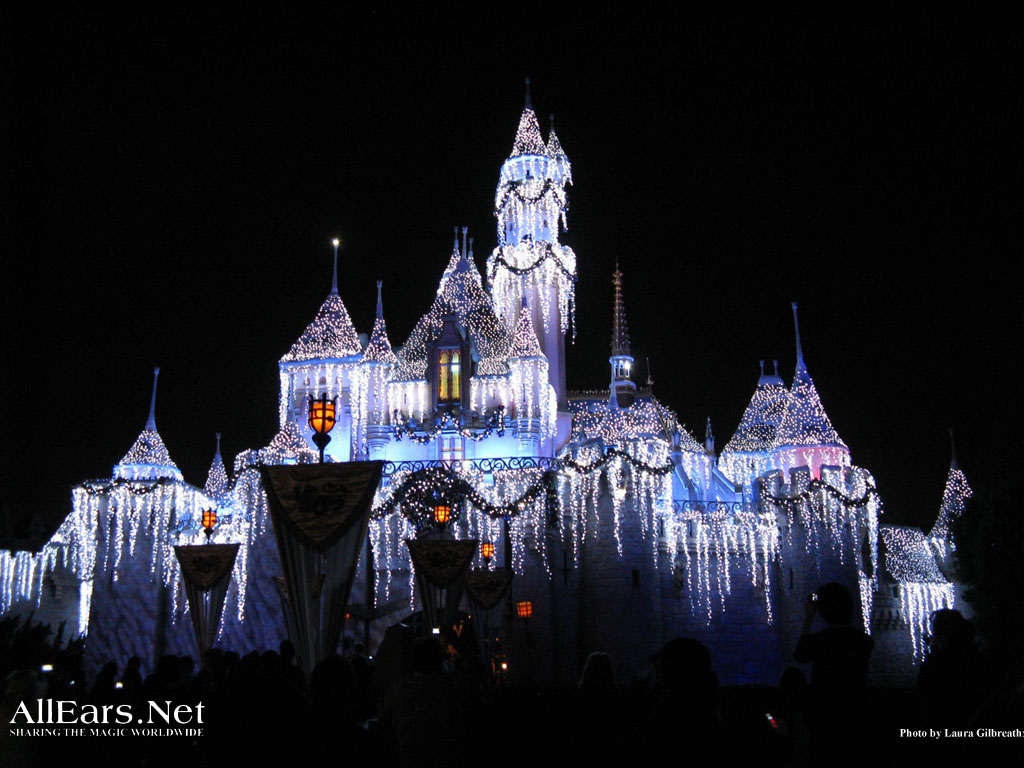
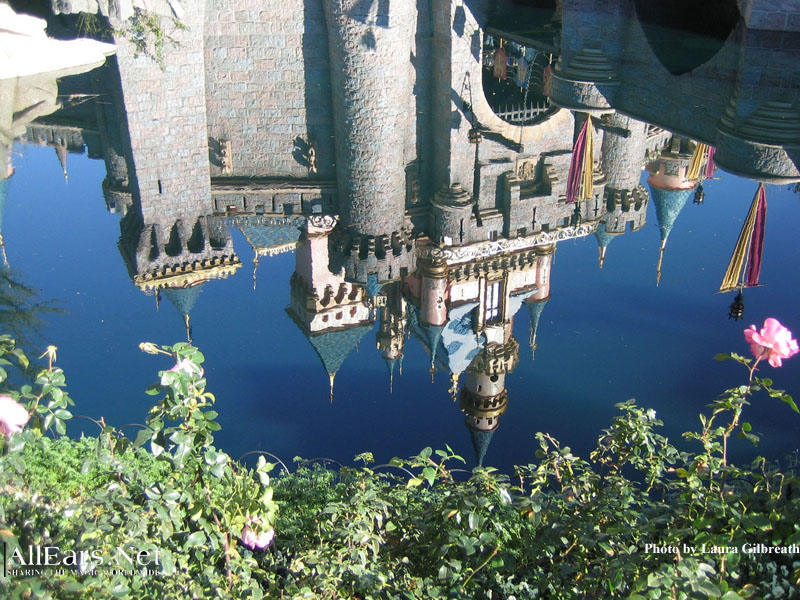
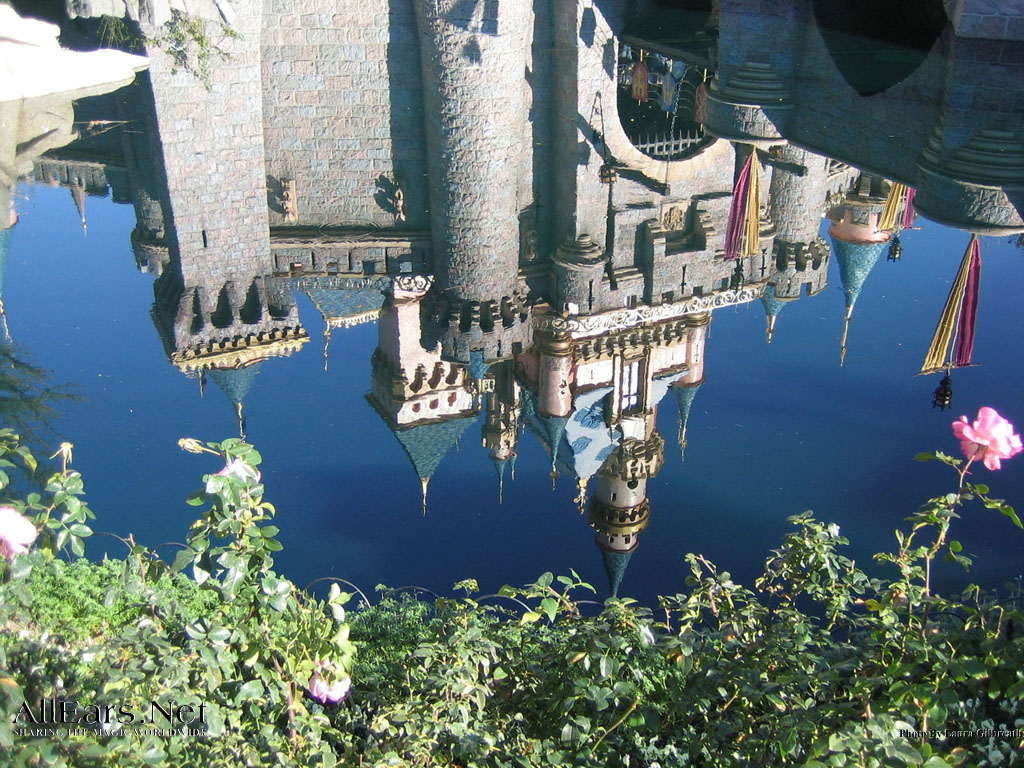
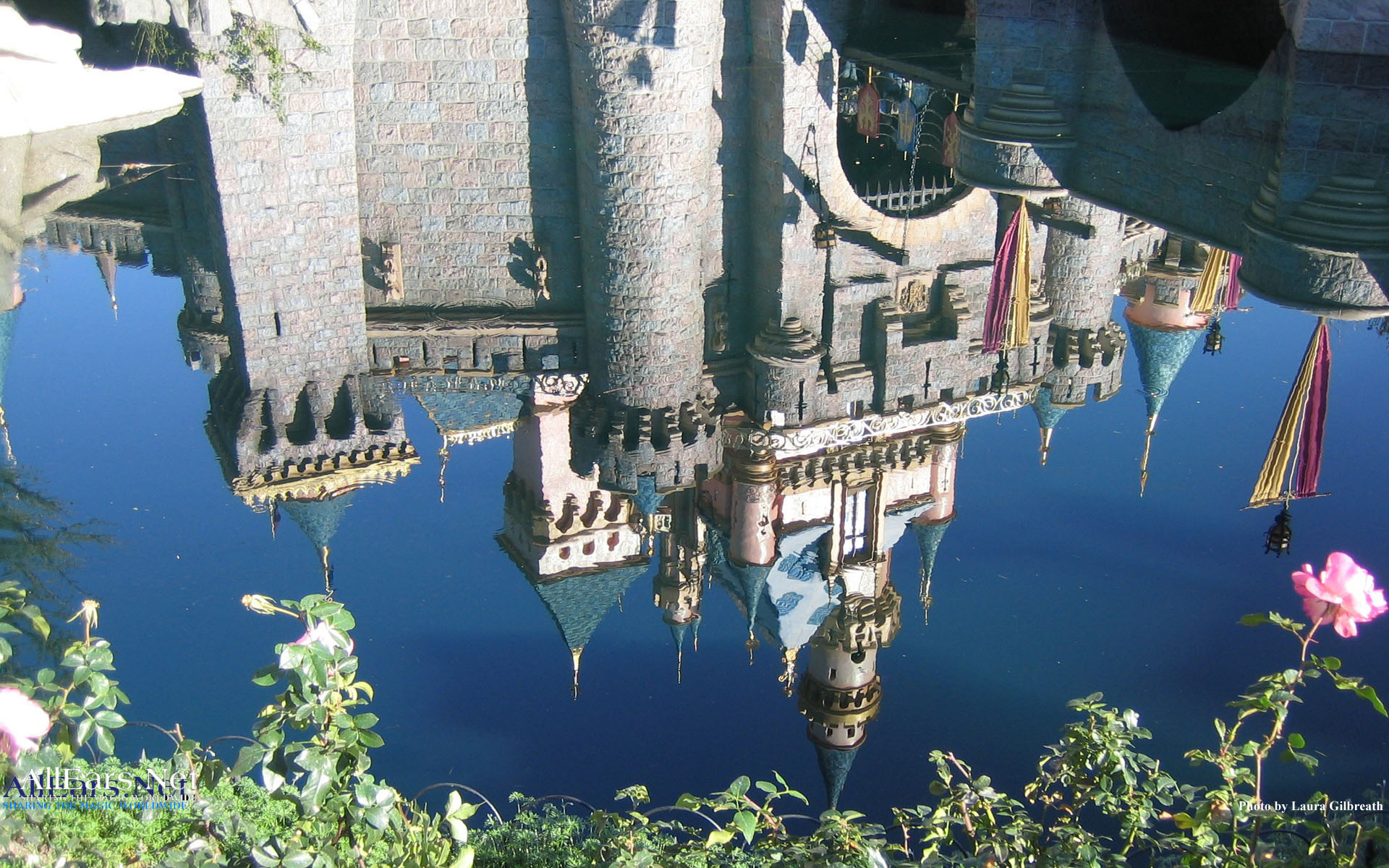
Many of these images are large files. Downloads may take a few minutes with slow connections.
If you need instructions for setting up wallpapers in Windows, scroll down past the images.
IMPORTANT: These images are the property of AllEars.Net. They are to be used for entertainment purposes only. They are not to be sold, publicly posted or placed on any other website without specific written permission.
Number is determined by your computer’s screen resolution.
DISNEYLAND PARKS
|
|
|
|
|
|
|
|
|
|
|
|

|
|
|
|
WALT DISNEY WORLD PARKS
|
|
|
|
|
|
|
|
|
|
|
|
|
|
|
|
|
|
|
|
|
|
|
|
|
|




|
|
|
|
|
|
|
|
|
|
|
|
|
|
|
|
|
|
|
|
|
800×600
|
|
|
|
|
|
|
|
|
|
|
|
|
|
|
|
|
|
|
|
|||
|
|
|
|
|
|
|
|
|
|
|
|


The absolute easiest way to set one of these pictures as your wallpaper (background) is to load the pictures (800 or 1024) and once loaded, right mouse click and choose “Set as Background” or “Set as Wallpaper”. But: the instructions below are better for long-term use of the image.
There are several ways to download these pictures.
1. Most browsers allow you to right-click over a link (ie: 800X600) and choose Save Picture As, etc.
2. Just save the picture to your computer hard drive (remember where it is). Some like to create a special folder for images but others just like to save it in the Windows folder.
3. Then: Right mouse click on the Windows Desktop and choose properties.
4. Select Wallpaper (should come up as default).
5. Click on BROWSE and find your file. That’s it!
Some Windows setups will tell you that you need to change to Active Desktop, which is ok, although some think it slows down your computer a little. With faster computers it makes little to no difference at all.
Note: Why doesn’t wallpaper show up in the Wallpaper list like the other ones?
These images are .jpg files and not the Windows .bmp files. If you convert them to .bmp files, then they will show up.